

Wireless Performance
One of the specifications that Questyle is off on is the 10-meter transmission distance. It is incorrect, but hear me out because I obtained a much longer distance in a straight, visible line from the source with my Motorola Edge.
The longest distance in a straight, visible line at my house is around 15 meters. I’m sure the transmission distance can do better, but that is the size and limitation of the only visible straight line within my home.
But, of course, you will experience dropouts around corners, and as soon as you enter another room.
One of the important characteristics that one can benefit from the latest Bluetooth 6.0 device is that it’s more forgiving in that aspect, and the QCC Dongle Pro’s BT.54 version is not.
That’s the only snafu you’ll run into, but being a Bluetooth device, you should expect that, because that’s normal behavior.
Latency
If you use the Low Latency codec, then latency will be nil. The Low-latency codec is selectable within the menu inside the Questyle app.
Even when you use the aptX Adaptive codec, you can still kick the QCC Dongle Pro into low-latency mode within the app.
That means that you don’t need a gaming mode, and think this is better because you can use a top-notch codec and still run on low-latency. This is a good dongle for gamers, not just for music listening.
Pairing
One of the hidden features that is not mentioned anywhere is that the Questyle QCC Dongle Pro can manage a microphone if the wireless headgear is equipped with one.
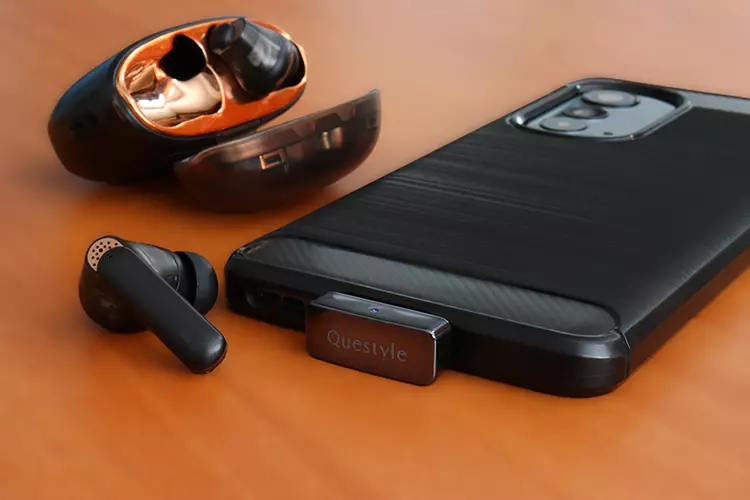
It works on mobile phones, and it also works on a Windows PC. With a low latency response, this makes this dongle an excellent choice to use with wireless gaming headsets and TWS sets.
My Creative Aurvana Ace 2, for example, paired well with the QCC Dongle Pro since it handles aptX Lossless, and it also contains a microphone set. This pairing was optimal because it opened up all the set’s options and operated at the highest quality codecs.
That’s one side of the coin, because although you get decent sonics regardless, you should always look for a set that can work over high-tier codecs like LDAC or aptX Adaptive.
At a minimum, to obtain the best sound quality, that’s a given, but you’ll be surprised how many people do not understand Bluetooth codecs.
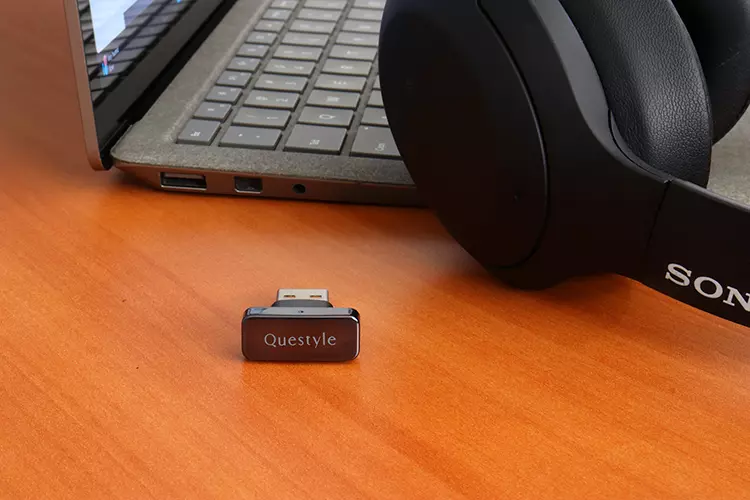
The Sony line seems to do well with the QCC Dongle Pro since they mostly run on LDAC. I got to test a set of Sony WH-XB900N that is used for watching video, and even the built-in microphone worked, just as the Aurvana Ace 2’s microphone.
Just remember that you have to pair the desired headgear within the app, and then you can transfer the dongle over to whatever gear you want to transmit from. The QCC Dongle Pro will store previous pairings. The QCC Dongle Pro also reconnects quickly.
The QCC Dongle Pro will manage one Bluetooth set at a time, but you can store multiple sets. I was able to keep in memory four separate Bluetooth headsets and TWS sets.
I like the fact that the QCC Dongle Pro has a sort of internal memory system that will store all your pairings even while disconnected. I can’t imagine it without this feature.
Selected Comparisons
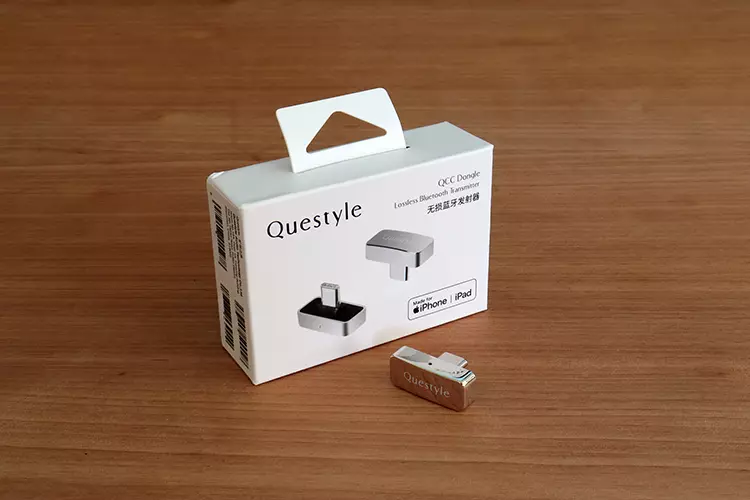
Questyle QCC Dongle
Technical
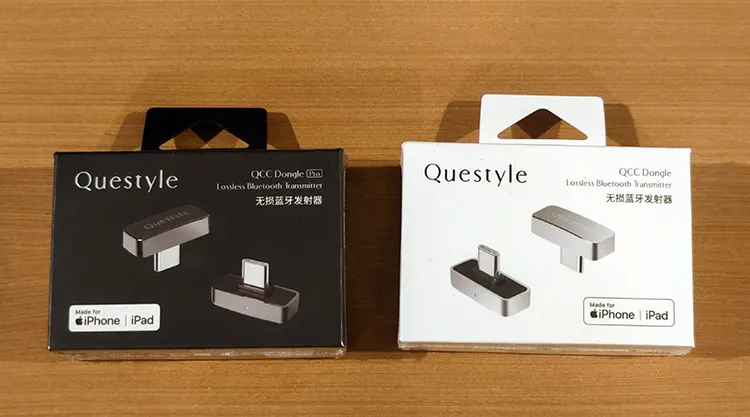
Both these dongles share common ground, and their differences are minuscule. The only big-ticket item added to the QCC Dongle Pro is LDAC capability. But both QCC Dongles can handle all the other codecs, including aptX adaptive and Lossless.
Design
Both these dongles promise compatibility with most devices, and both are MFi certified, but neither comes with Lightning connectivity. They both come equipped with a USB-C male plug, and it would be cumbersome to use an adapter.
About the only visual cues that differentiate these two dongles are the metallic hues they wear. The QCC Dongle is Silver, and the QCC Pro comes in a Gunmetal grey. Those are their only color options.
Performance
Here is where the bottom line drops. If you own any headgear that is capable of true aptX Lossless, then if you run that set exclusively, you don’t need to jump into the Pro version because on that codec, you will hear no difference.
But if you need to run LDAC, then I’d consider it. Unless your mobile device has that codec built in. Then get it if you want to play audio from your PC or other similar devices used to stream music, bypassing the legacy built-in crap, and stepping up to better codecs.
I did notice a miniscule more battery drain using the QCC Dongle Pro versus the QCC. Then I checked the specifications, and my suspicion was correct, but not by much. The QCC uses 33mA on the Adaptive codec, while the QCC Dongle Pro uses 37mA. But again, it’s minuscule.
FiiO AIR LINK
Technical
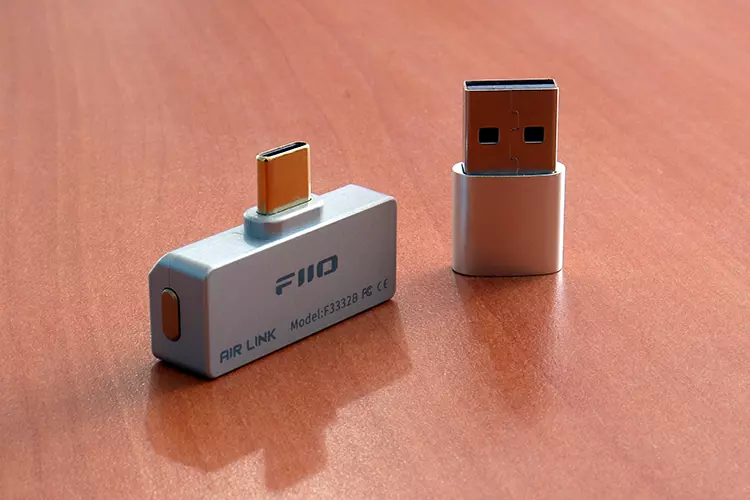
FiiO’s recent release, the AIR LINK, shares most of the same features but has the advantage of running on the latest Bluetooth radio, 6.0. That makes the AIR LINK future-proof over other models.
The AIR LINK uses a Qualcomm QCC5181, which sits at a higher tier in Qualcomm’s lineup of low-power Bluetooth single-chip solutions. The QCC3086 is the lower-tier chip and has specs and features below the 5181 specifications.
This QCC5181 chip enables the AIR LINK to be able to transmit all the modern-day codecs, including aptX Low Latency, aptX Lossless, and LDAC, just as well.
What surprises me is that FiiO is offering this dongle at a very modest SRP, which undercuts competitors by half. That is something that compels buyers to automatically think that there’s more value in the cheaper model.
Design
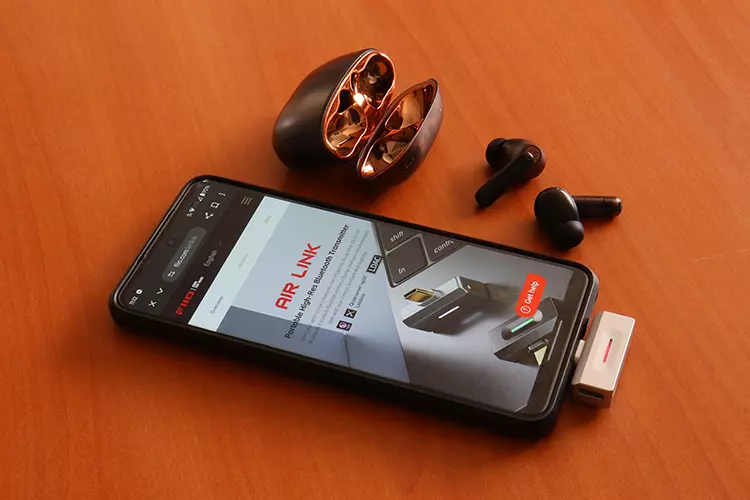
One caveat here is that the FiiO AIR LINK is not the petite package that the QCC lineup is physically. The shell is considerably larger and sports a smart light that is a long sliver instead of the smaller, but more conventional, round LED.
They both employ a raised bump to accommodate protective cases, but aesthetically, I prefer the QCC line of dongles. They look metallic, more rugged, and not as plastic-looking, although they’re all made of some sort of polyblend.
Performance
I really can’t tell the difference sonically. I tested both these dongles with LDAC, Lossless, and both were more dependant of the sonic characters of the accompanying headgear than anything else.
Therefore, you have to go on features alone, and in that case, one has a better app, a web interface, which the other doesn’t have. But perhaps the small stature appeals to you, and aesthetics are important to you, and things like build quality.
Both these devices depend more on the headgear’s qualities to produce sound, and both do so in an almost undistinguishable manner, so go for either aesthetics or for the more economical but eyesore option with the same performance.
Hey, aesthetics worked for Gucci; it might work here as well.
My Verdict
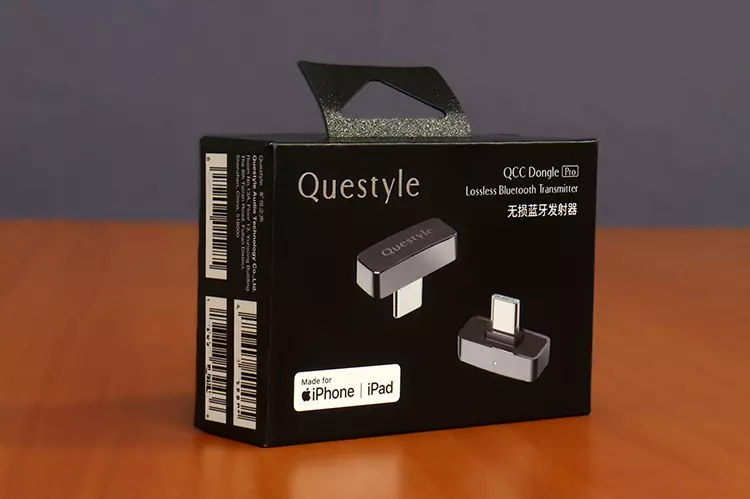
I really like what the Questyle QCC Dongle Pro brings to the table. It’s an inexpensive additional piece of hardware that can upscale your Bluetooth headgear to its maximum performance level, without being an eyesore solution.
The only obstacle I see on the horizon that can be a barrier to the popularity of this genre of gear is that most phones nowadays can handle LDAC, and the list of aptX Lossless-capable mobile devices keeps growing, which, in their case, renders these types of dongles non-practical.
But for those who own Laptops, PCs, and Linux machines, including iOS gear, and similar gear with inferior codec support, these owners will highly benefit from a device like the Questyle QCC Dongle Pro.
Questyle QCC Dongle Pro Technical Specifications
- Craft, material, color: Vacuum plating / PC+ABS / gunmetal grey
- Bluetooth version: Bluetooth 5.4
- Transmission range: ≥ 10m
- Audio codecs: SBC, aptX HD, aptX Adaptive, aptX Lossless, LDAC
- System compatibility: Win XP/ Vista/ Win 7/ Win 8/ Win 10/ Win 11/ Linux/ Android/ Harmony OS/ macOS/ iOS
- Operating frequency: 2.402GHz – 2.480GHz
- Power supply: USB 5V
- Operating current: 33mA (48kHz/24bit) aptX Adaptive
- MFi certified: yes
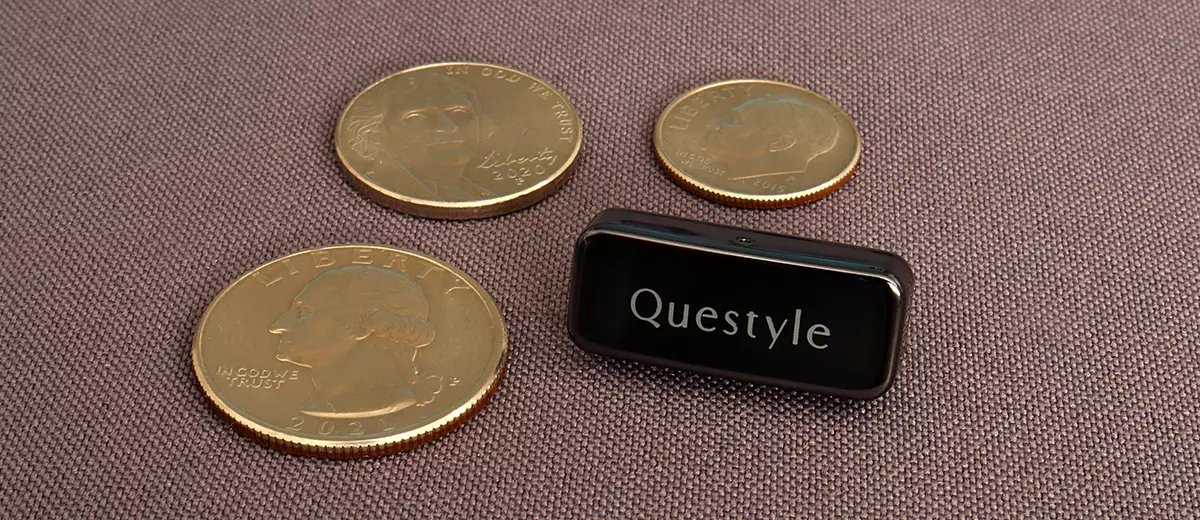
- Product dimensions: 25.2 x 10.3 x 15.25 mm
